Graphic Design Study | The Avocado Collection: 10 Unique Takes on a Simple Object
Background:
This project is part of my coursework in the Graphic Design Specialization by CalArts on Coursera. The course emphasized iteration, process, and experimentation in image-making. The assignment required me to create 10 different illustrations of the same household object, each using a variety of styles, textures, and tools.
I chose an avocado due to its distinct shape, rich texture, and natural color gradients. My goal was to explore diverse design techniques while developing a portfolio piece that showcases my ability to work across multiple mediums—from digital sketching to vector design and photo manipulation.
Illustration Styles
I’’m not gonna lie—I”m not a strong illustrator. HAHA! These all have a very child-like feel, but this exercise was a fun exploration of different textures and styles in Procreate. These versions focus on freehand digital illustration, using varied brush styles..
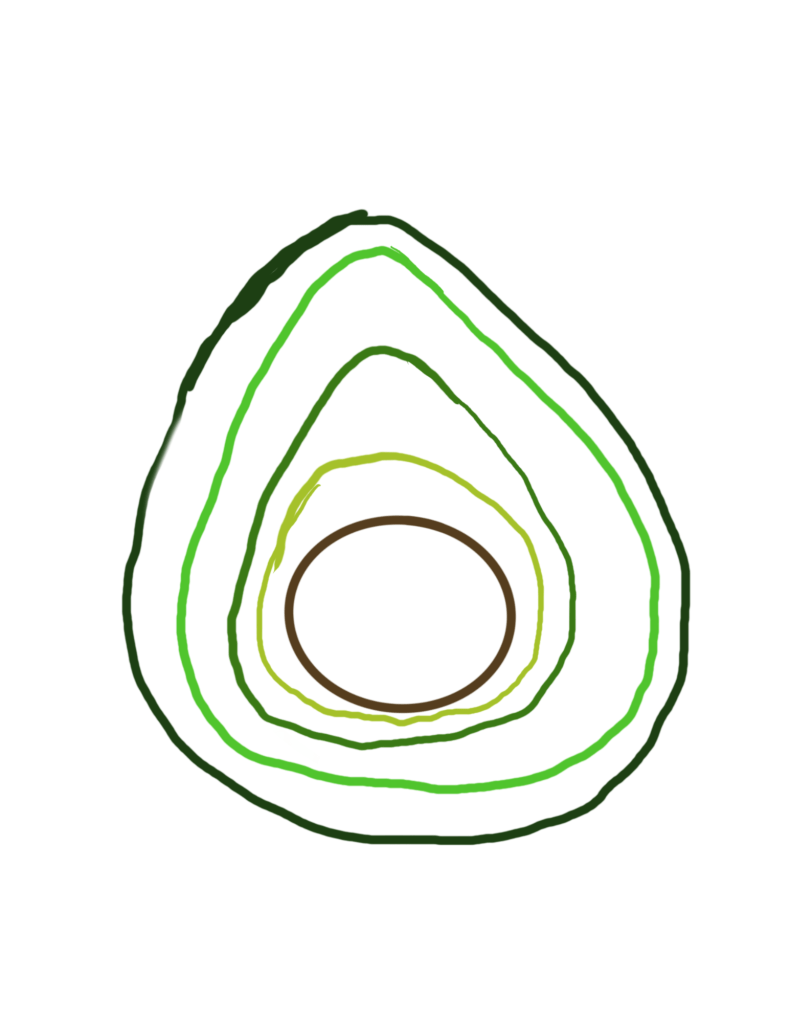
This was my starting point. I wasn’t particularly inspired yet, but I wanted to begin somewhere, so I took a minimalist approach, layering contour lines to form the avocado’s shape. The goal was to explore line weight and negative space.
Process:
- I used a gel pen brush in Procreate to create layered contour lines, forming the avocado’s shape.
- I wanted to play with line weight and negative space without adding shading or texture.
This was fun to draw and even funnier to look at when I was done.
Fun fact: Procreate has a feature that cleans up lines when you hold them, so the circle for the pit is perfectly round—not by my own hands!

This is an intentionally rough, hand-drawn avocado using a digital pencil brush to mimic traditional sketching techniques.
Process:
- I made this on the iPad using an Apple Pencil in Procreate.
- It was drawn in a single, continuous line, applying varied pressure to create an organic, rough, and unpolished look.
This exercise mimicked traditional sketching, allowing me to focus on shape, movement, and expressiveness rather than precision.
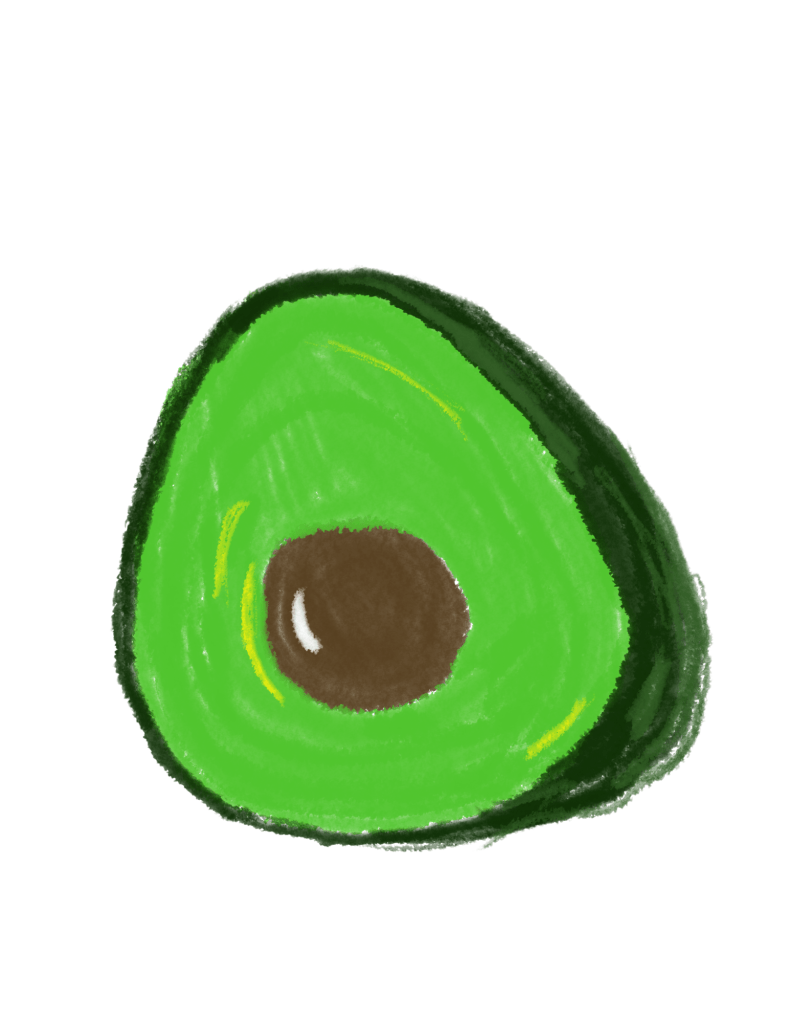
This was my third attempt at making a realistic avocado. I used bold, crayon-like strokes, making it feel playful and childlike.
Process:
- I built up the avocado shape using thick, expressive strokes to mimic a child’s drawing.
- To add depth, I layered color, using yellow highlights around the avocado flesh and white on the pit to create the illusion of light hitting the surface.
This experiment was about embracing imperfection and exploring expressive texture over clean lines.
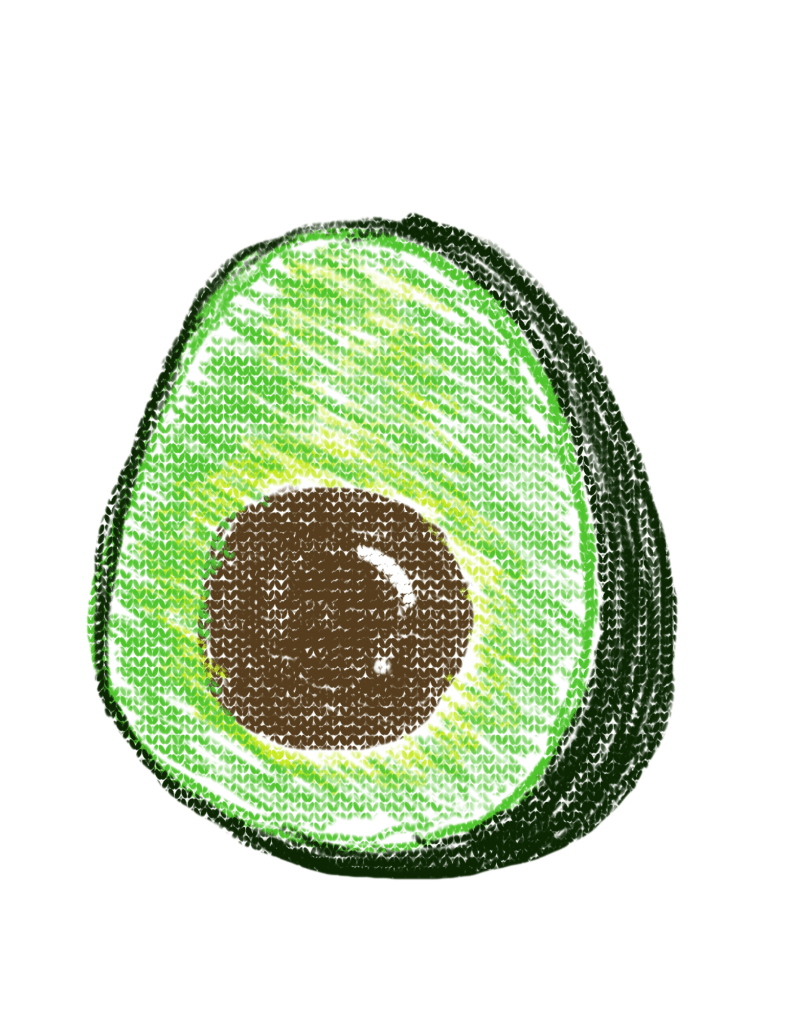
This piece explores a pointillism-inspired effect, using small strokes and dots to build texture and volume.
Process:
- I drew from the center outward, layering dots and cross-hatching with a textured jumper brush in Procreate.
- The final effect mimics a crayon or oil pastel drawing on canvas.
- I shaped the darker green to suggest a slight perspective tilt, giving the impression of the avocado at an angled view.
This style gave the piece a tactile, handmade feel, different from the smoother, vector-based versions.
Vector & Digital Design Styles
These versions lean more into my strengths, as they focus on polished, scalable graphics. Each piece explores different tools and techniques within Affinity Designer, Affinity Photo, and Canva to create polished, scalable graphics.
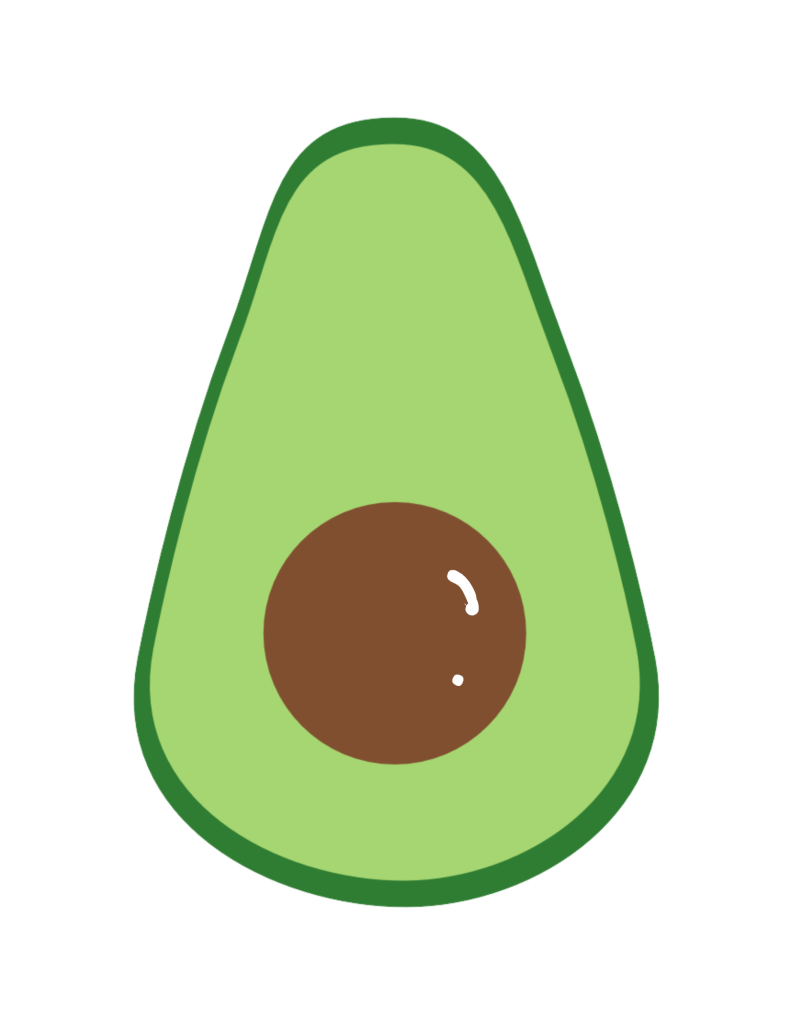
This is a clean, simple vector illustration built with basic geometric shapes.
Process:
- I started with two ellipses, converting one into curves and using the node tool to sculpt the organic avocado form.
- I layered a second shape underneath for depth and added a separate ellipse for the pit.
- I used flat color fills for a minimalist, clean look.
This version is perfect for icons, stickers, and UI elements, embracing simplicity and readability.
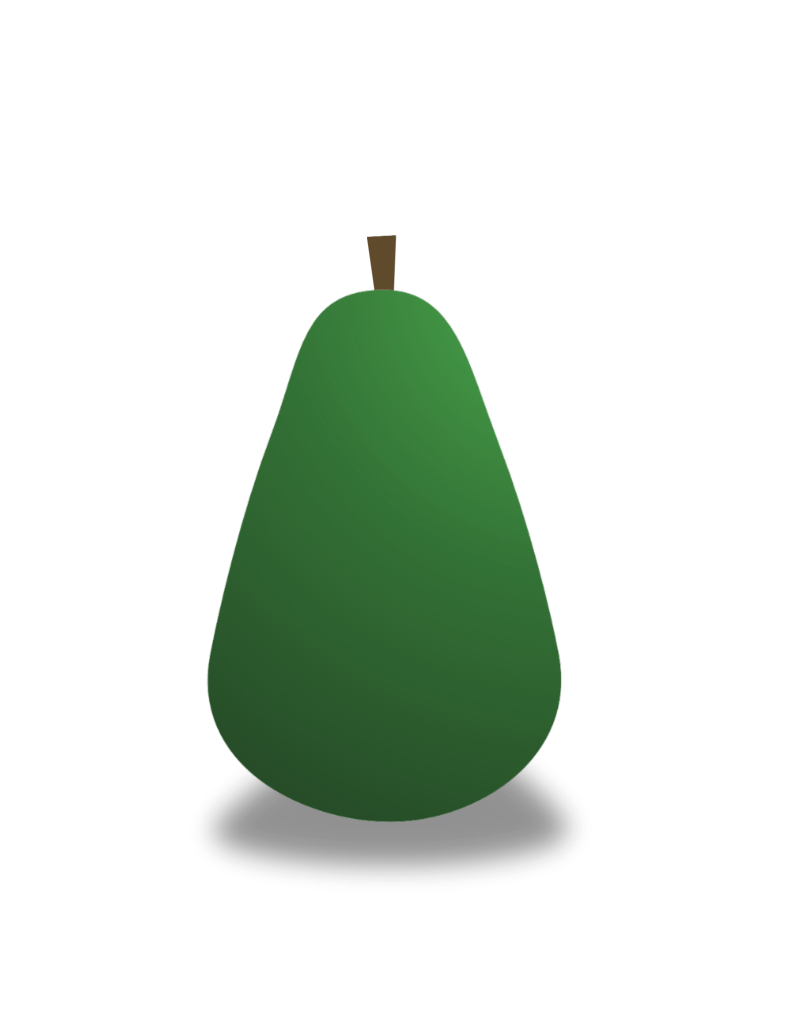
A refined, sleek design using gradients and shading for added depth.
Process:
- I started with a single ellipse, then converted it into curves using the Node Tool to refine its shape.
- I applied a gradient overlay, transitioning from dark green to light green for a sense of dimension.
- Lastly, I added a drop shadow to make it subtly “pop” off the page.
This is an elegant and versatile design, suitable for branding and digital assets.

This design adds more realism and depth, refining the flat illustration.
Process:
- I enlarged the seed and applied a radial gradient to give it a spherical, dimensional look.
- The avocado flesh also features a soft gradient, transitioning from pale yellow-green at the top to rich green at the base.
- I used Boolean operations to clean up overlapping shapes and smooth the edges.]
This version strikes a balance between flat vector and slight realism, making it feel more polished.hed and refined while keeping a flat, vector style.
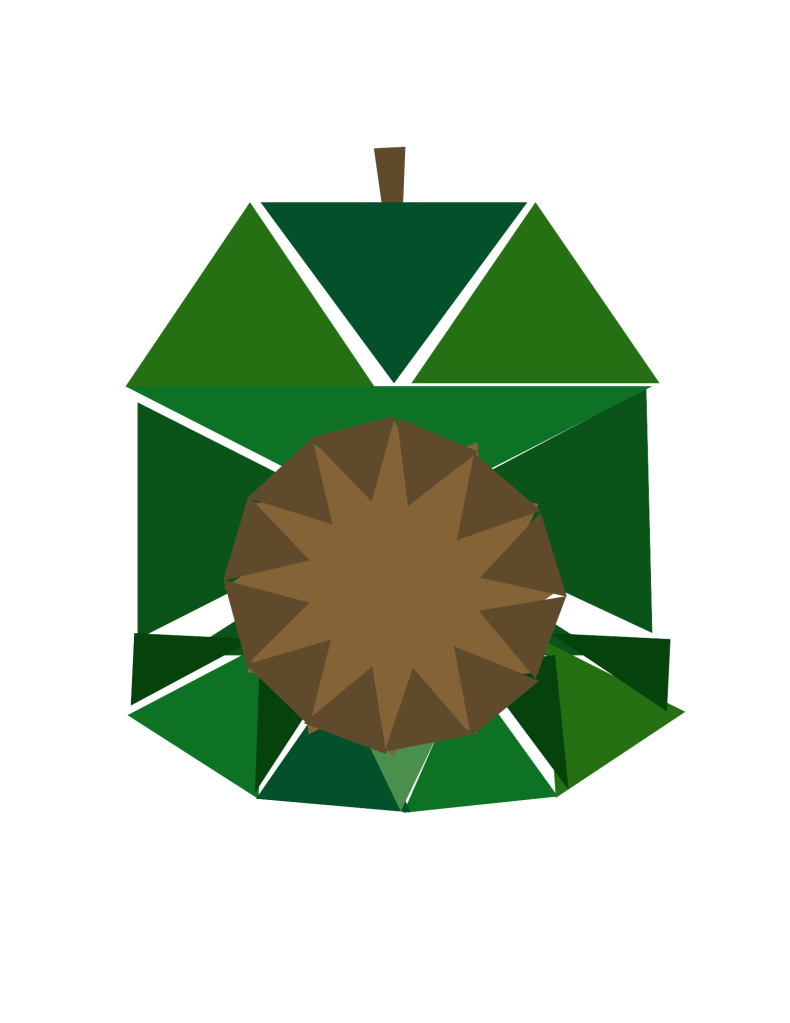
This avocado was built entirely from triangles, embracing a geometric, abstract aesthetic.
Process:
- I arranged a circle of triangles to form the base seed shape.
- Then, I overlapped a jagged shape in the center to fill in the seed, reinforcing the fragmented, modern aesthetic.
- Using Canva’s shape tools, I layered darker and lighter green tones to create a sense of depth and dimension.
This method let me experiment with geometric abstraction, making the avocado feel modern and stylized.

This one was pure fun! I was experimenting in layered digital manipulation, combining photo editing, glow effects, and typography to create a futuristic, neon aesthetic inspired by cyberpunk visuals.
Process:
- Photo Preparation (Affinity Photo)
- Started with a high-contrast avocado photo sourced from Pexels.
- Used Object Selection to remove the background, isolating the avocado.
- Layer Duplication & Base Adjustments
- Duplicated the avocado four times to create multiple layers for different effects.
- Created a separate seed layer by removing the avocado’s flesh from one copy.
- Applied inner and outer glow effects to the seed, giving it a radiant, illuminated look.
- Glow & Blending Mode Experiments
- Applied inner and outer glow to all avocado layers, stacking effects for a more dynamic light source.
- Adjusted blending modes (Overlay, Screen, and Normal) to test how the glow interacted with different elements.
- Exporting to Canva for Final Effects
- Added a pink drop shadow glow in Canva to further emphasize the neon aesthetic.
- Included neon accent lines, giving the avocado an electric, sci-fi feel.
- Typography & Final Touches
- Used the Alcova CC font, a retro-futuristic typeface, to reinforce the cyberpunk theme.
- Duplicated the text, layering one version with a neon glow and the other with a glitch effect, then offset them slightly for depth.
This piece was a layered, multi-step process, blending photo editing, digital effects, and typography to create a vibrant, futuristic composition.-energy look.

This playful piece started with a flat vector-style avocado illustration, which I transformed into a character by adding simple, expressive features.
Process:
- I began with my clean vector avocado, then added circles for eyes and a small triangle for the beak to anthropomorphize it.
- The “Doppelgänger” Owlcado was originally a character I designed in Adobe Illustrator in 2020, which has since become the mascot of my consultancy.
- Owlcado’s design merges an owl’s distinct facial features with the form of an avocado, resulting in a unique, recognizable character.
- To enhance depth, I added subtle shadows beneath both figures.
- The speech bubble was a final touch, injecting humor and personality into the composition.
This piece was especially fun because it felt like a full-circle creative moment, blending past work with new explorations. It also highlights my ability to reimagine vector graphics in a character-driven, storytelling format.
Skills Leveraged:
This project challenged me to apply a variety of graphic design techniques, combining vector illustration, digital painting, and photo manipulation to explore different artistic styles. Here are the key skills I developed and used:
- Vector Illustration (Affinity Designer, Canva)
- Shape manipulation using the ellipse tool and node selector to refine forms.
- Gradient overlays and drop shadows for dimensionality.
- Geometric design principles to create the triangle avocado with sharp-edged polygonal forms.
- Digital Illustration (Procreate)
- Experimentation with various brush styles (gel pen, pencil, crayon, jumper) to mimic hand-drawn textures.
- Layering techniques for depth and organic forms.
- Pointillism-inspired avocado using small dots to build texture.
- Photo Manipulation & Effects (Affinity Photo, Canva)
- Creating a neon cyberpunk “glitch” effect for the glowing avocado.
- Combining multiple digital assets into a cohesive composition.
- Adding shadows and highlights to enhance realism.
- Concept Development & Storytelling
- Using humor and whimsy (e.g., Owlcado and the doppelgänger) to create engaging, narrative-driven designs.
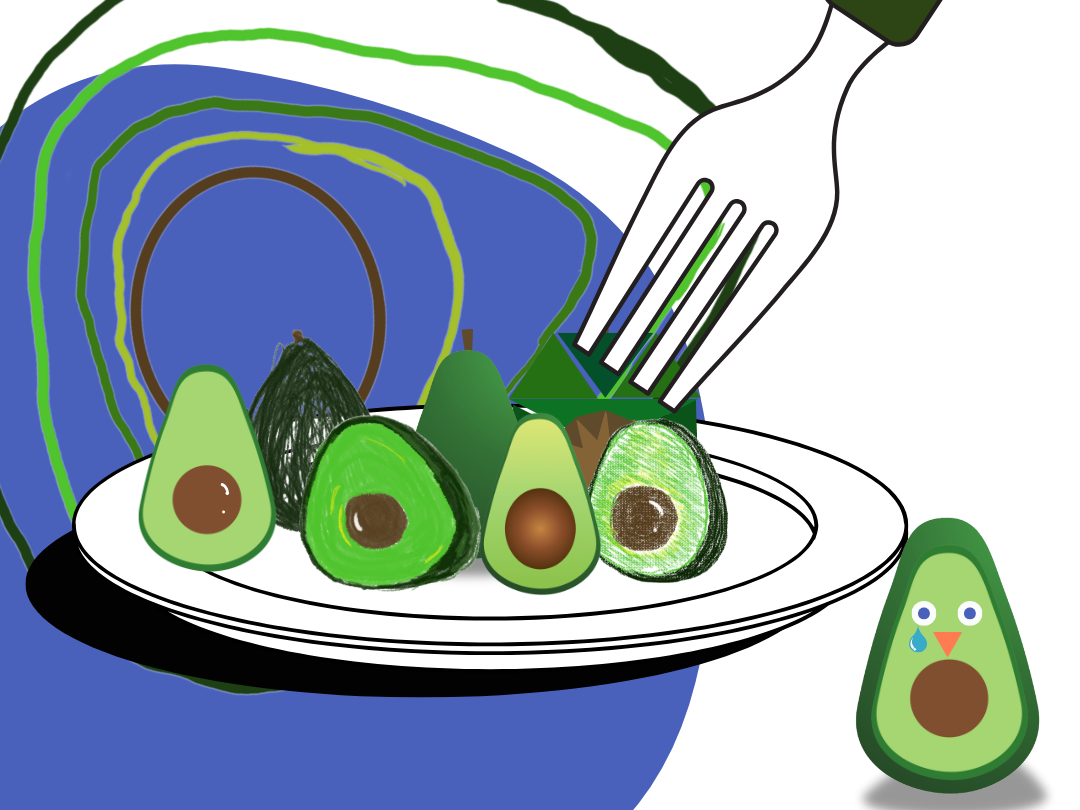
- Final hero image composition as a visual metaphor, showing avocados arranged like a meal to reflect different artistic techniques.
This was an incredibly fun exercise in creative flexibility. While some pieces feel stronger than others, I love how they all showcase different facets of my design abilities—from playful, hand-drawn sketches to precise, polished vector work.
📝 Next Steps: Once I submit this, I look forward to feedback and refining my techniques further!
